
Dynamics 365 Solution Bridge: Seamless Integration for Business Central & Finance Operations


What Is Dynamics 365 Solution Bridge?

Production Bridge for Dynamics 365
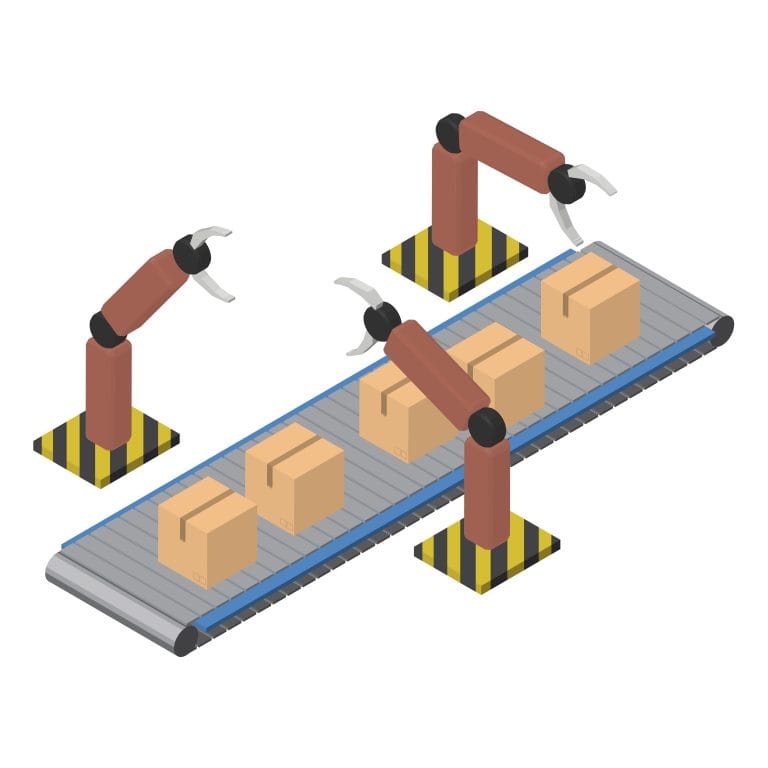
Production Bridge for Dynamics 365 seamlessly connects your manufacturing operations with Microsoft Dynamics 365 Business Central and Finance & Operations, ensuring accurate and real-time data synchronization. It automates production order synchronization, bills of materials (BOMs), routing, inventory management, and shop floor data exchange, reducing manual effort and minimizing errors. By streamlining production workflows, improving operational efficiency, and providing greater visibility across manufacturing processes, Production Bridge enables faster decision-making, enhances productivity, optimizes resource utilization, and supports smarter, data-driven manufacturing operations.
Order Bridge for Dynamics 365
Order Bridge for Dynamics 365 streamlines the complete order lifecycle by seamlessly connecting sales, purchase, and customer orders with Microsoft Dynamics 365 Business Central and Finance & Operations. It automates order processing, fulfillment, invoicing, and shipment tracking through real-time data synchronization, ensuring accurate and consistent information across all business systems. By eliminating manual data entry, reducing processing errors, and accelerating order fulfillment, businesses can improve customer satisfaction, enhance operational efficiency, gain greater visibility into order status, and support faster, more informed business decisions.Connect Business Central and Finance & Operations with Solution Bridge
Automated Business Workflows
Centralized Business Operations
Secure ERP Data Exchange
Real-Time Data Synchronization
Enterprise grade Architecture
Intelligent Error Management
Vendor &
Supplier Portal
- PO Acknowledgment
- ASN / Shipment Entry
- Vendor Invoice Submission
Mobile / Field
Transactions
- Route Sales Order Entry
- Proof of Delivery Capture
- Mobile Inventory Updates
Customer Self
Service Portal
- Order Placement
- Order Status Tracking
- Returns / RMA Requests
SOLUTION BRIDGE
By Evincible Solutions
API-Driven Extension Layer for Dynamics 365
Sales Order
Execution
- Create / Edit Sales Orders
- Pricing & Discount Validation
- Order Submission to D365
Warehouse
Execution Lite
- Pick / Pack Confirmation
- Goods Receipt Processing
- Inventory Adjustments
Integration &
Data Services
- API-Based Synchronization
- Event-Driven Updates
- Master Data Push / Pull
Capabilities
Key Features of Dynamics 365 Solution Bridge
Real-Time ERP Integration
Keep Microsoft Bridge in Finance & Operations and Business Central continuously synchronized with external applications through real-time data exchange. Eliminate manual updates, improve data accuracy, and ensure every department operates with the latest business information.
API-Based Connectivity
Leverage secure REST APIs and web services to connect Dynamics 365 with e-commerce platforms, CRM systems, mobile apps, warehouse systems, manufacturing software, and third-party business solutions. The API-first architecture enables seamless communication across your digital ecosystem.
Automated Data Mapping
Reduce implementation time with intelligent data mapping that automatically transforms and synchronizes business data between systems. Maintain data consistency while minimizing manual configuration and integration complexity.
Intelligent Error Handling
Monitor integrations with built-in error detection, validation, and automated retry mechanisms. Solution Bridge identifies exceptions, provides detailed logging, and ensures business-critical transactions are processed reliably without disrupting operations.
Secure Cloud Integration
Protect your business data with enterprise-grade security, including encrypted data transmission, secure authentication, role-based access, and compliance with modern cloud security standards. Your integrations remain secure across on-premises and cloud environments.
Multi-Entity Support
Enable seamless Microsoft Dynamics 365 Integration across multiple companies, legal entities, business units, and locations withMulti-Entity Support. It Centralize data management while maintaining entity-specific processes, financial controls, and compliance requirements.
Event-Driven Automation
Automatically trigger business processes based on predefined events such as order creation, inventory updates, shipment confirmations, invoice generation, or production completion. Event-driven workflows improve responsiveness and eliminate manual intervention.
Custom Integration Rules
Configure business-specific validation rules, workflow logic, data transformations, and process automation without extensive ERP customization. Solution Bridge adapts to your unique business requirements while preserving the integrity of your Dynamics 365 environment.
Role-Based Security
Control access to integration functions through configurable user roles and permissions. Ensure employees, partners, suppliers, and customers only access the information and processes relevant to their responsibilities.
Scalable Integration Architecture
Designed to grow with your business, Solution Bridge supports increasing transaction volumes, multiple business applications, and expanding operational requirements without compromising performance or reliability.
Why Choose Evincible Solutions?
Blogs

How Dynamics 365 Marketing Drives Business Growth: Features, Benefits & Complete Guide
Microsoft Dynamics 365 Marketing exists to solve a common problem: customer data rarely lives in one place. Contact details sit in a CRM, event sign-ups in a spreadsheet, and email
How Human Capital Management Software Transforms HR for US Businesses
Managing HR manually — through spreadsheets, email chains, and disconnected systems — creates hidden costs that most U.S. business owners underestimate. Payroll errors trigger compliance penalties. Leave approvals delayed by

Dynamics CRM for Real Estate: A Powerful Guide to Smarter Property Management
Real estate operations involve a constant flow of moving parts—leads arriving through multiple channels, property information spread across different systems, deals at different stages, client interactions across email and phone,


