
Production Bridge: Connect the Shop Floor to Microsoft Dynamics 365




What Is Production Bridge?
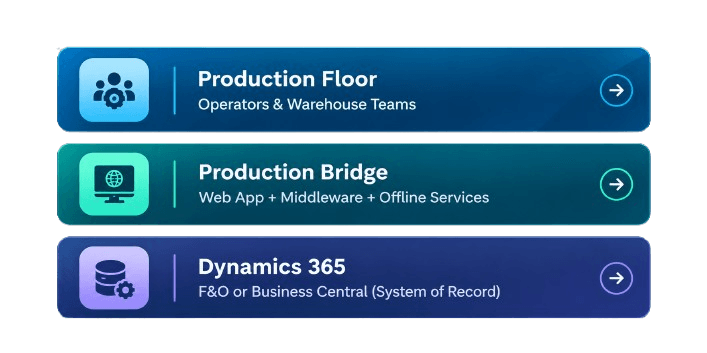
Production Floor
The production floor is where real work happens: machine operators, line workers, and warehouse staff complete production runs, move inventory, and report output in real time. These users need speed and simplicity, not complex ERP screens, to keep operations running without interruption.
Production Bridge
Production Bridge acts as the intelligent layer between the floor and the ERP: a web app for easy access, middleware for secure, reliable data flow, and offline services to keep operations running even without a live connection. Together, these components simplify execution without adding complexity for the end user.
Dynamics 365
Dynamics 365 Finance & Operations and Business Central remain the single source of truth for all production and inventory data. Every transaction captured through Production Bridge is synced back into Dynamics 365, ensuring accuracy, traceability, and full alignment with existing ERP processes and reporting.
Core Capabilities Built to Speed Up Every Production
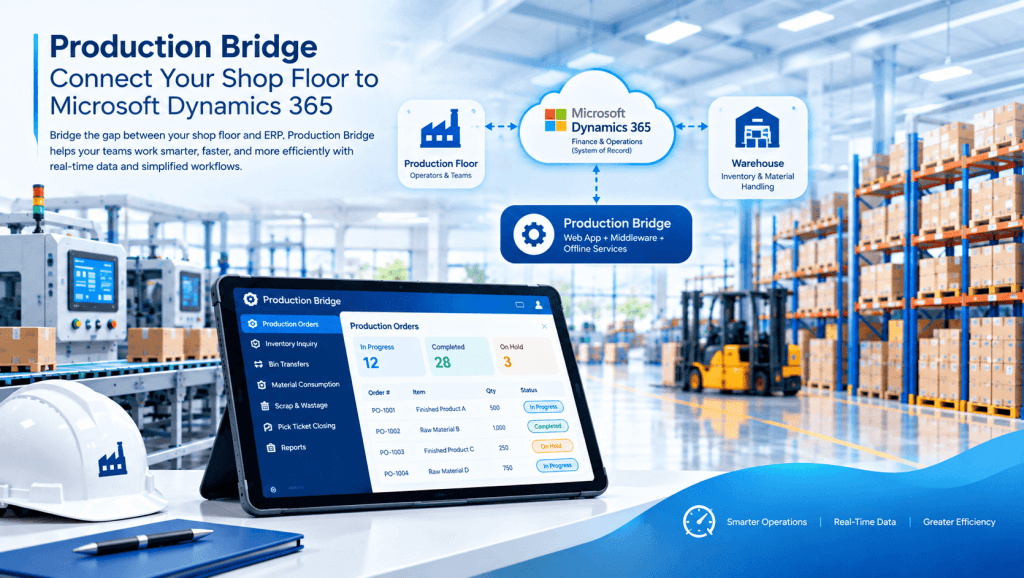
Production Orders
Inventory Inquiry
Bin Transfers
Consumption Entry
Quick Consumption
Scrap & Wastage
Pick Ticket Closing
Offline Operations
How It Works
A Simple 3-layer Architecture for Seamless Execution
Production Bridge Web App
Frontline Execution Interface
The web app is the interaction point for operators and warehouse teams, designed for speed and simplicity on any device. It presents only the tasks and fields relevant to each role, removing the complexity of native Dynamics 365 screens.
01
02
Middleware & Offline Services
Staging, local database, sync & logging
This layer handles data staging, local storage, and synchronization between the web app and Dynamics 365. It also maintains offline services and detailed logging, ensuring no transactions are lost during connectivity gaps.
Dynamics 365 F&O
System of record, security & posting
Dynamics 365 remains the authoritative source of truth, handling final data posting, business validation, and security. Production Bridge reconciles every transaction here, preserving full traceability and control across the organization.
03
Production Bridge & Dynamic 365
Production Bridge vs. Standard Dynamics 365
Production Bridge extends Dynamics 365-it does not replace it.
Dynamics 365 F&O
System of record
Core ERP processes
Production & inventory governance
Security & posting
Master & transactional data
Production Bridge
Frontline execution layer
Simplified operational workflows
Shop-floor transaction experience
Focused user interface
Staging & synchronization
What You Receive
PLATFORM SERVICES
Every reservation moves through the same six capabilities, from first request to closed stay.
✓ Role-based security
✓ User authentication
✓ Transaction history
✓ Audit & logs
✓ Real-time sync
BUSINESS OUTCOMES
- Increase production efficiency
- Reduce manual transactions
- Improve Inventory accuracy
- Enable real-time visibility
IDEAL OPERATIONS
- Food & beverage
- Process Manufacturing
- Consumer packaged goods
- Packaging & warehouse
MICROSOFT ECOSYSTEM
- Dynamics 365 Finance
- Supply Chain Management
- Power Platform - Azure & Power BI
Why Choose Evincible Solutions?
From initial consultation and custom development to implementation and ongoing support, we deliver end-to-end integration solutions built around your unique business needs. With Solution Bridge, organizations reduce manual data entry, improve data accuracy, boost operational efficiency, and unlock the full value of their Microsoft Dynamics 365 investment.
Frequently Asked Questions
Find answers to common questions before you book a demoProduction Bridge is a purpose-built execution layer that connects shop-floor and warehouse users to Microsoft Dynamics 365 Finance & Operations. It provides a simplified, role-based workspace for daily transactions while Dynamics 365 continues to operate as the system of record.
No. Production Bridge does not replace or duplicate Dynamics 365; it extends it. Dynamics 365 fully manages all core ERP processes, data governance, security, and posting, while Production Bridge simply speeds execution for frontline users.
Yes. Production Bridge includes offline services that let shop-floor and warehouse teams keep working during connectivity gaps. Transactions are queued locally and automatically synced back to Dynamics 365 once the connection is restored.
Users can manage production orders, check inventory, perform bin transfers, record consumption, log scrap and wastage, and close pick tickets all from a single, focused interface designed for shop-floor speed.
Yes. Production Bridge uses role-based security and user authentication, ensuring individuals only access the functions relevant to their role. All security enforcement and data validation ultimately remain governed by Dynamics 365.
Every transaction captured in Production Bridge is staged, synchronized, and reconciled through the middleware layer before being posted into Dynamics 365. This ensures real-time accuracy, traceability, and full alignment between shop-floor activity and ERP records.
Production Bridge is built for shop-floor operators, warehouse staff, and frontline teams who need a fast, simple interface rather than navigating the full complexity of Dynamics 365 screens meant for back-office users.
Standard Dynamics 365 screens are optimized for back-office workflows, which can slow down or complicate shop-floor execution. Production Bridge removes that friction with a role-based, task-focused interface that improves speed, accuracy, and adoption without changing your underlying ERP system.
Blogs


How Dynamics 365 Marketing Drives Business Growth: Features, Benefits & Complete Guide
Microsoft Dynamics 365 Marketing exists to solve a common problem: customer data rarely lives in one place. Contact details sit in a CRM, event sign-ups in a spreadsheet, and email
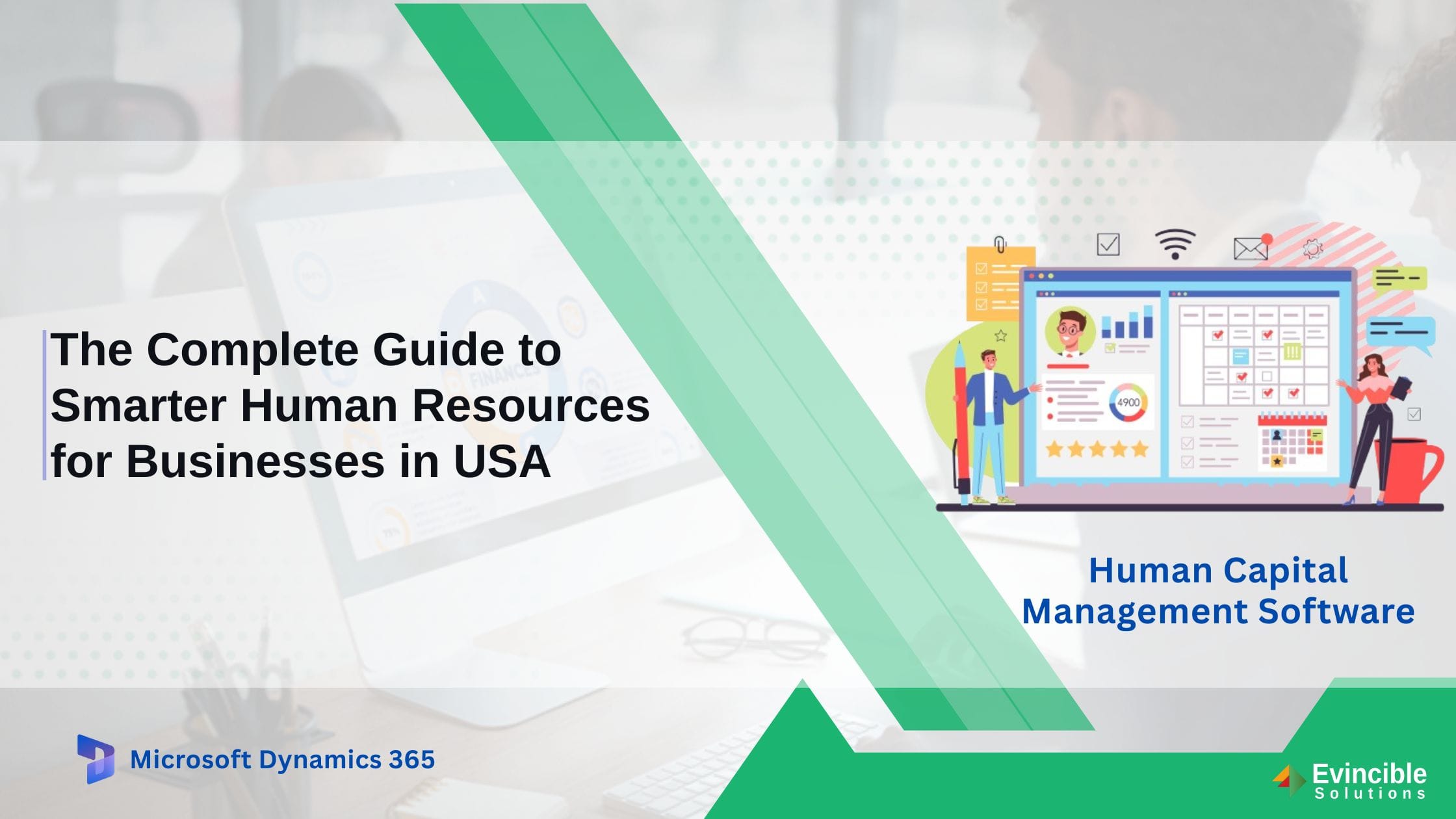
How Human Capital Management Software Transforms HR for US Businesses
Managing HR manually — through spreadsheets, email chains, and disconnected systems — creates hidden costs that most U.S. business owners underestimate. Payroll errors trigger compliance penalties. Leave approvals delayed by
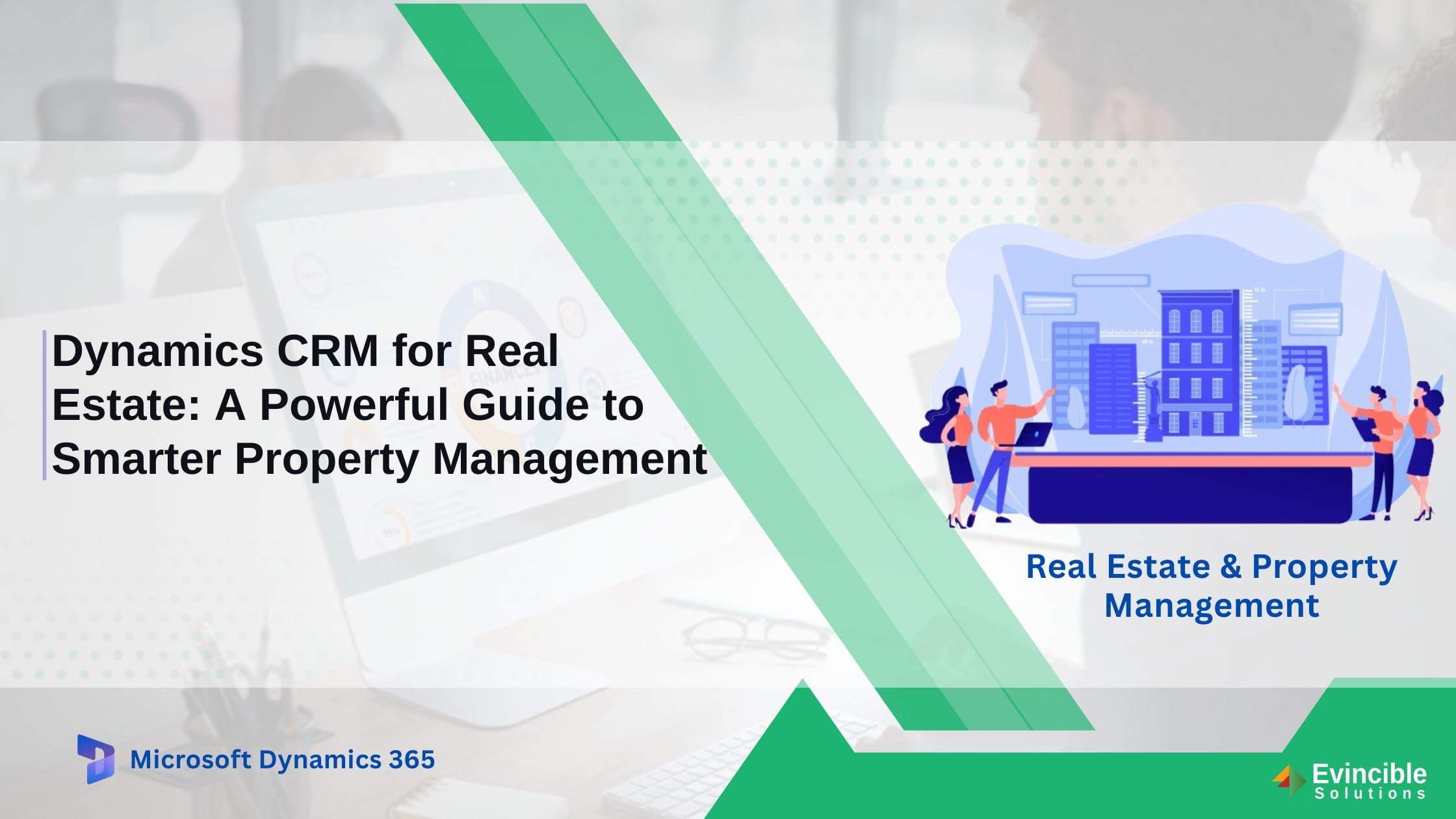
Dynamics CRM for Real Estate: A Powerful Guide to Smarter Property Management
Real estate operations involve a constant flow of moving parts—leads arriving through multiple channels, property information spread across different systems, deals at different stages, client interactions across email and phone,


