Microsoft Dynamics 365 environments do not break down overnight. Warning signs appear gradually — a Finance reconciliation report that no longer ties out, a sales workflow that keeps accumulating manual steps, or a recurring Dataverse sync error between Customer Engagement and Finance and Operations that gets patched but never resolved.
Individually, each issue looks minor. But when they cluster across modules or reappear after being fixed, it is a strong signal that your Dynamics 365 environment has moved out of alignment with your finance cycles, sales processes, or supply chain workflows.
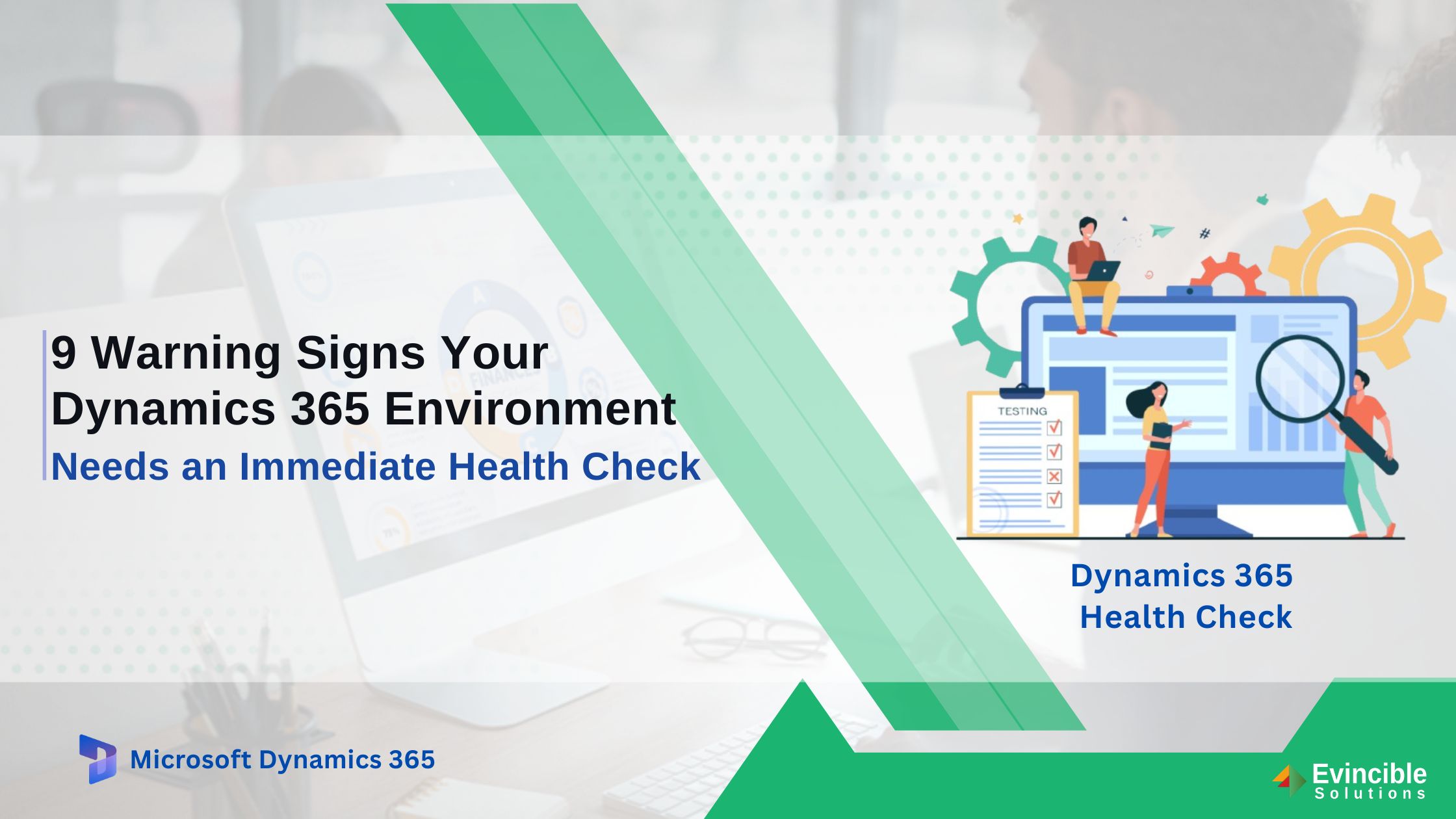
A Dynamics 365 health check is a proactive risk reduction audit. It is a consultative report that identifies exactly where configuration breakdown or technical debt is occurring before it escalates into integration failures, compliance gaps, or a reimplementation that costs far more to fix.
Continue reading to identify nine warning signs D365 practitioners recognise as early indicators, and what a thorough assessment should cover across your modules, integrations, and Power Platform connections.
9 Dynamics 365 Health Check Signs Worth Knowing Before They Escalate
These signs rarely appear in isolation. Most organizations recognize two or three of these immediately; others find only when they trace a recurring problem back to its root cause in configuration, data model, or integration layer. The more signs that feel familiar, the more likely your environment is carrying technical debt that is quietly costing you time, money, and data integrity.
Sign 1: Your Team Has Stopped Trusting Dynamics 365 Reports
If Finance users in Dynamics 365 Finance export trial balance or ledger reports into Excel before reconciliation, it signals a breakdown in Finance reporting accuracy — one of the most common Dynamics 365 performance issues organisations delay addressing.
This often comes from misconfigured financial dimensions in Finance and Operations, duplicate account records in Dataverse, or CE records created without mandatory field enforcement, which distorts reporting outputs.
When Finance or Sales teams rely on Excel to validate numbers during month-end close, reporting alignment issues increase across each cycle.
Sign 2: Your Month-End Close is Taking Longer in Dynamics 365
When month-end close timelines extend rather than compress, the cause is almost always configuration drift or automation that broke and was patched instead of fixed.
When finance teams manually adjust journal entries in Finance and Operations or chase discrepancies between the General Ledger and Accounts Payable subledger, it points to configuration drift in period-end settings or failed batch jobs in F&O that were closed without root cause resolution. These are recognisable signs you need an ERP health check before the next close cycle compounds the gap further.
A lengthening close timeline is one of the most measurable signals in F&O — and one of the first indicators a health check surfaces during a Finance module review.
Sign 3: Sales Teams Not Updating CRM Activities in Dynamics 365
When sales reps stop logging calls, updating opportunity stages, or recording activities inside Dynamics 365 Sales, leadership loses visibility into opportunity progression and forecast accuracy in Dynamics 365 Sales.
Low CRM adoption in Dynamics 365 Sales reflects configuration issues such as page load latency from unoptimized custom fields, overcrowded main forms with deprecated columns, or missing Sales Insights integration that removes feedback loops for sales reps.
A Dynamics 365 Sales health check analyzes CE forms, Dataverse entities, and automation workflows to isolate friction points and detect whether adoption decline is concentrated in specific teams, regions, or pipeline stages.
Sign 4: Repeated Dynamics 365 Issues Keep Coming Back
If the same sync failure, Power Automate flow error, or F&O batch job exception keeps resurfacing after being closed in the support queue, the root cause was never resolved — only temporarily patched. This pattern is one of the clearest indicators that an ERP assessment is overdue, not optional.
Recurring Dynamics 365 CRM not working complaints and repeated F&O exceptions follow the same pattern — each ticket is closed individually while the underlying configuration or solution layer conflict remains untouched.
A health check traces recurring tickets back to their origin — whether that is a misconfigured business rule, a broken dependency in a solution layer, or a customization that conflicts with a recent D365 update.
Sign 5: How To Know If Dynamics 365 Security Roles Need Review?
Security roles accumulate complexity over time — new users are assigned Salesperson or System Administrator roles as defaults, deprovisioned contractors retain active CE or F&O access, and manual privilege overrides accumulate across Business Units without a documented change log.
When no one can map active security roles to current job functions in Dynamics 365, a health check audits role assignments across CE and F&O environments, flags privilege conflicts, and identifies accounts that retain access beyond their defined scope.
Sign 6: Your Power Platform Apps and Automations are Becoming Difficult to Manage
Ungoverned Power Platform environments accumulate orphaned Power Apps and flows built by individual users — with no ownership, no documentation, and no visibility into downstream dependencies.
When nobody owns a list of what exists, flows fail silently, and issues go unnoticed until a Dynamics 365 Business Central sync stops or a customer-facing process dependent on that flow produces incorrect output.
Organizations running D365 Business Central alongside Power Automate and Power Apps face compounded risk — automations built across both systems share no common ownership model, meaning a single failed flow can break processes in both environments simultaneously.
Sign 7: Dynamics 365 Integrations Keep Failing
When e-commerce platforms, banking feeds, or custom APIs connected to Dynamics 365 begin showing mismatched records, delayed syncs, or failed data transfers, the integration layer — not the external system — is where the breakdown originates.
Integration issues in D365 compound across sync cycles — by the time a mismatch is flagged, corrupted records have already propagated across connected entities and subledgers.
For businesses running Dynamics 365 Finance and Operations, integration failures feed directly into General Ledger discrepancies and financial reporting errors that surface at period close.
Sign 8:Your Business Changed But Your Dynamics 365 Configuration Is Outdated
After mergers, new product lines, or changed approval hierarchies, D365 configurations — including workflow rules, security role structures, and chart of accounts in Finance and Operations — remain in the original implementation state unless explicitly updated. Knowing when to do an ERP assessment is often clearest at this point — when the gap between how the business operates and how the system is configured becomes wide enough to require daily workarounds.
When teams build manual steps outside D365 to handle approval flows, entity relationships, or reporting structures the system no longer supports, the configuration gap shifts from a maintenance issue to a structural one. A Dynamics 365 CRM health check and Finance module review at this stage identifies exactly which configurations need realignment before the next business change widens the gap further.
Sign 9: Leadership Still Using Spreadsheets Instead of Dynamics 365
When leadership requests numbers via spreadsheets rather than pulling them from Power BI embedded reports or Finance insights dashboards in Dynamics 365, it reflects a compounded loss of confidence in platform data accuracy.
When this sign appears alongside two or more of the previous signs, the environment has moved past configuration drift — a Dynamics 365 health check at this stage assesses how much technical debt has accumulated and what it will cost to resolve it.
What Do These Dynamics 365 Problems Have in Common?
Every sign traces back to a shared Dynamics 365 system pattern. Small issues accumulate without escalation: reporting inconsistencies, unreviewed security roles, and occasional integration failures.
Trust in Dynamics 365 reporting declines, Excel-based workarounds increase, and users shift processes outside core Finance and Sales modules. Left unaddressed, these Dynamics 365 performance issues do not stabilise — they expand across modules until the cost of resolution exceeds the cost of the original implementation gap.
A Dynamics 365 health check identifies and connects these issues, showing how Finance, Sales, and integration problems are linked.
What Does a Dynamics 365 Health Check Include?
Each of the nine signs maps to a defined audit area — the five components below are what a Dynamics 365 health check covers.
System Configuration and Process Alignment
Reviewing whether F&O period-end settings, CE business process flows, and Business Central approval workflows reflect current business structure — and documenting where manual steps exist outside the system to compensate.
Data Quality and Reporting Accuracy
Assessing Dataverse table consistency, Financial dimension validation rules, and F&O reporting entity logic to identify where data breaks occur before reaching reporting outputs.
Security and User Access
Auditing CE and F&O security role assignments, Business Unit hierarchies, and field-level security profiles to identify privilege conflicts, over-permissioned accounts, and access that has outlasted its business justification.
Integrations and Customization
Examining dual-write configurations, custom plug-ins, and Azure integration service endpoints to identify where data synchronization is breaking or operating outside its designed parameters.
Power Platform Governance
Cataloguing existing Power Apps and Power Automate flows by environment, identifying flows with no active owner, and flagging automations that interact with D365 data without error handling or version control.
Book a Dynamics 365 Health Check with Evincible Solutions
If two or more of these signs describe your environment, the next business decision made on unverified Dynamics 365 data carries a measurable risk — Dynamics 365 health check is designed to quantify before it leads to financial or operational impact.
Book a consultation with Evincible Solutions and receive a findings report that maps configuration gaps, integration risks, and governance issues across your D365 modules — with a prioritised action plan for remediation order.