System downtime, performance issues, and low user adoption directly impact productivity and revenue for businesses running Microsoft Dynamics 365.
Without structured post-implementation support, technical issues accumulate, users struggle, and the platform fails to deliver its intended value.
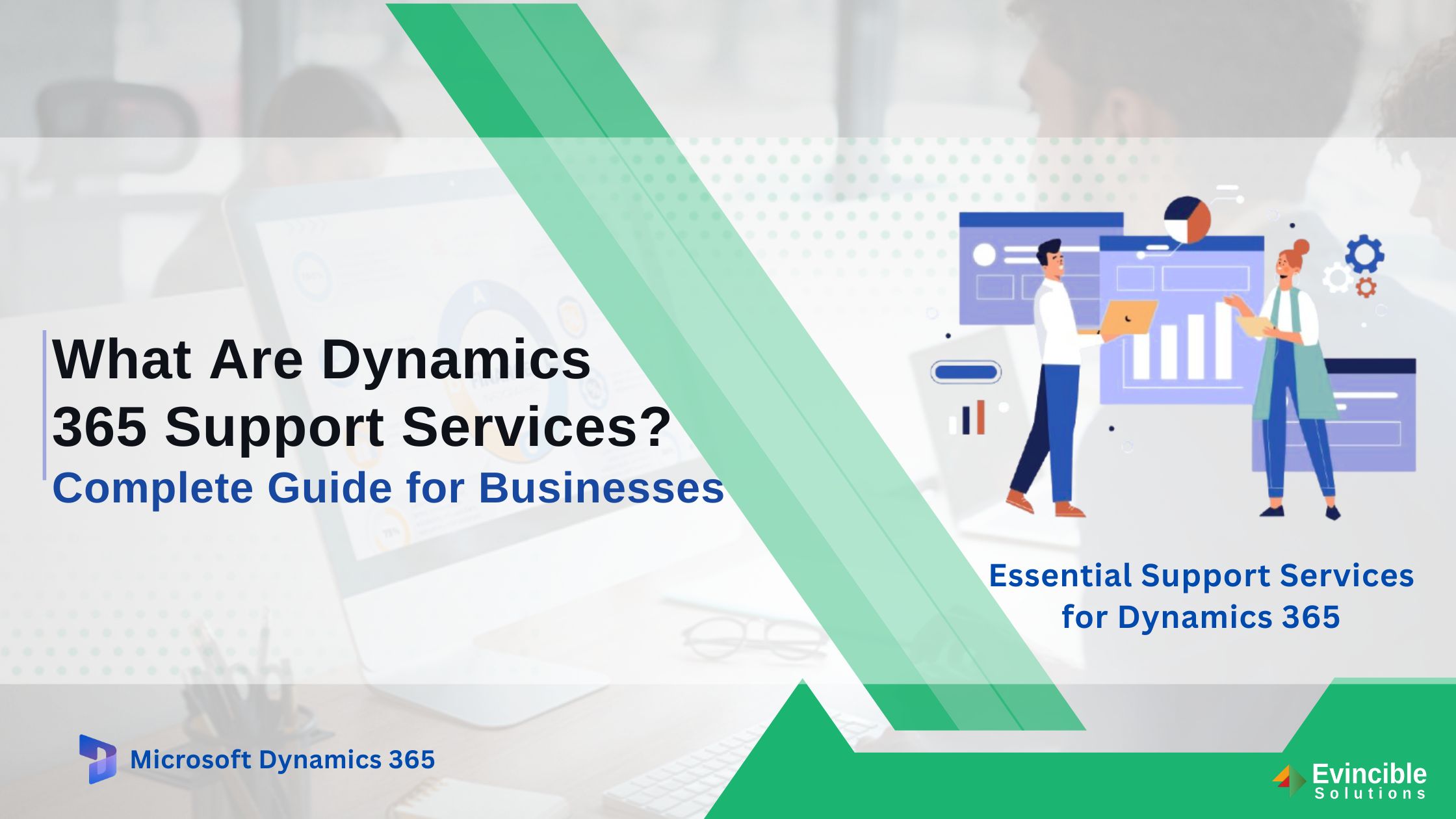
This guide covers everything businesses need to know about Dynamics 365 support services — including types of support, service levels, coverage across applications, package inclusions, how to choose the right partner, and what influences pricing.
What Are Dynamics 365 Support Services?
Dynamics 365 support services refer to the ongoing technical and functional assistance provided to businesses after a Dynamics 365 implementation goes live.
These services cover resolving system errors, managing updates, optimising performance, and training end users. Support for Dynamics 365 can be delivered directly by Microsoft, through a certified Microsoft partner, or via an in-house team.
The right support model ensures the platform continues to deliver value — adapting to changing business needs and evolving Microsoft technology.
Why Businesses Need Ongoing Dynamics 365 Support Services
Going live is not the end of a Dynamics 365 journey — it is the beginning. Ongoing Microsoft Dynamics 365 support services are critical for maintaining system health, protecting data, and ensuring users perform effectively.
Ensuring Business Continuity and System Availability
Unplanned downtime disrupts operations across every department. Proactive monitoring and rapid response keep critical systems available and minimise business disruption.
Resolving Technical Issues Faster
Without dedicated support, technical issues can take days to resolve. A structured Dynamics 365 managed support services agreement ensures problems are logged, prioritised, and resolved within agreed timeframes.
Maximizing User Adoption and Productivity
Poor user adoption is one of the most common reasons ERP investments underperform. Ongoing support — including help desk access and training — helps employees use the system confidently.
Managing Updates, Upgrades, and New Features
Microsoft releases regular updates to Dynamics 365. A qualified support partner ensures updates are tested, applied correctly, and communicated to users without disrupting existing processes.
Maintaining Security, Compliance, and Data Protection
Security vulnerabilities and compliance gaps carry serious consequences. Microsoft Dynamics 365 support service providers apply patches, monitor for threats, and ensure the system meets current regulatory requirements.
Types of Dynamics 365 Support Services
Different businesses require different levels of support. Understanding the available types helps organisations select the right model for their needs.
1. Reactive Support
Reactive support addresses problems after they occur — system errors, failed processes, and break/fix requests. It is the foundation of any support services for the Dynamics 365 package.
2. Proactive Support
Dynamics 365 predictive support services go beyond fixing problems. Proactive support involves regular health checks, performance reviews, and early identification of potential issues before they impact operations.
3. Managed Support Services
Dynamics 365 managed services and support partners take full ownership of platform stability and performance — managing monitoring, patching, optimisation, and user support under a structured agreement.
4. Functional Support
Functional support assists users with business process questions, configuration changes, and workflow adjustments. It is particularly valuable for Dynamics 365 customer service support and sales teams.
5. Technical Support
Technical support covers development, integration, and customisation issues — including errors in custom code, integration maintenance, and Dynamics 365 F&O support services environments.
6. End-User Support
End-user support provides frontline assistance for employees working within Dynamics 365, including help desk access and guided walkthroughs for essential support services for Dynamics 365 CRM users.
What Are L1, L2, and L3 Dynamics 365 Support Levels?
Dynamics 365 support is structured across three tiers, each handling a different level of complexity.
L1 handles basic queries, password resets, and simple user guidance. L2 manages more complex technical issues and functional troubleshooting. L3 handles advanced development, architecture-level issues, and deep technical investigation.
Why SLAs and Escalation Processes Matter
A Service Level Agreement (SLA) is a formal commitment defining the expected speed and quality of support.
Response time defines how quickly the support team acknowledges an issue. Resolution time defines how long the team has to fix it. Critical issues typically carry a response time of one to four hours.
The escalation path determines what happens when an issue cannot be resolved at the current support level — ensuring it moves to a more senior resource without delay. Clear SLAs are a mark of a reliable Dynamics 365 managed services & support partner.
Support Coverage Across Dynamics 365 Business Applications
Effective support must cover the specific Dynamics 365 applications a business uses. Certified partners provide specialised coverage across the full Microsoft Dynamics 365 suite, including Finance, Supply Chain, Business Central, CRM, and Power Platform.
Dynamics 365 Finance Support
Microsoft D365 Finance and Operations support services cover period-end processes, financial reporting, tax configuration, and banking integrations. Fast resolution protects cash flow and reporting accuracy.
Supply Chain Management Support
Dynamics 365 Supply Chain support addresses inventory management, procurement workflows, warehouse operations, and logistics. Disruptions in supply chain processes have direct cost implications.
Business Central Support
Microsoft Dynamics 365 Business Central support services assist small and mid-sized businesses with financial management, project tracking, and operations as the platform scales.
CRM Support Services
Dynamics 365 CRM support services help organizations manage case routing, omnichannel configuration, knowledge base maintenance, and SLA tracking for customer-facing teams. Support providers also assist with CRM customizations, integrations, reporting, and ongoing system optimization.
Dynamics 365 Sales Support
Dynamics 365 sales consulting services support covers CRM configuration, pipeline management, lead workflows, and reporting — directly impacting revenue generation.
Power Platform Support
Power Platform support covers Power Apps, Power Automate, and Power BI solutions connected to Dynamics 365 — including troubleshooting custom apps, broken workflows, and reporting dashboards.
What Is Included in a Dynamics 365 Support Services Package?
A comprehensive Dynamics 365 managed support services package typically includes the following components.
Incident and Ticket Management
A structured ticketing system captures, categorises, and tracks every support request — ensuring no issue is missed and providing full visibility into resolution progress.
System Monitoring and Health Checks
Continuous monitoring identifies performance degradation and security events before they escalate. Regular health checks provide a structured review of system stability.
Security Patch Management
Microsoft regularly releases security patches for Dynamics 365. Support partners manage testing and deployment to keep environments protected without disrupting operations.
Performance Optimization
Over time, systems slow down due to data growth and configuration drift. Performance optimisation services identify bottlenecks and implement improvements to maintain system speed.
Data Backup and Recovery Support
Support packages include backup validation and recovery planning — ensuring business data can be restored quickly in the event of failure or data loss.
Customization and Enhancement Support
As business needs evolve, customisations require updates. Support teams manage changes to custom code, forms, and workflows without compromising platform stability.
Integration Support
Integration support maintains connections between Dynamics 365 and third-party systems — ensuring data flows accurately across the business ecosystem.
User Training and Help Desk Services
Ongoing help desk access and training resources ensure employees stay productive — especially when new features are released or new team members join the organisation.
How to Choose the Right Dynamics 365 Support Partner
Selecting the right Dynamics 365 managed services and support partner is one of the most important decisions a business makes post-implementation. The following criteria help narrow the field.
1. Evaluate Microsoft Certifications and Partner Status
Microsoft certifications confirm a partner has met rigorous competency standards. Look for a Dynamics 365 customer service support partner with verified credentials across the relevant application areas.
2. Assess Industry-Specific Experience
A partner with experience in the same industry understands sector-specific processes, compliance needs, and operational priorities — translating to faster resolution and more relevant recommendations.
3. Review SLA Commitments
Evaluate response guarantees — how quickly will the team acknowledge a critical issue? Assess availability commitments — is support available 24/7 or only during business hours? Confirm escalation clarity — how are unresolved issues handled?
4. Verify Security and Compliance Capabilities
A qualified support partner demonstrates clear processes for security patch management, data protection, and compliance monitoring — especially critical for businesses in regulated industries.
5. Check Customer References and Success Stories
Client references and case studies provide evidence of real-world performance. Reviewing outcomes from similar businesses gives a realistic picture of what to expect.
6. Consider Scalability and Global Support Availability
A partner capable of scaling coverage and providing support across time zones offers greater long-term value as business needs grow and change.
Key Benefits of Managed Dynamics 365 Support Services
Understanding the benefits of using managed services to support Dynamics 365 helps business leaders justify the investment and set clear expectations.
Reduced Operational Risk
Proactive monitoring and rapid incident response reduce the likelihood and impact of system failures — protecting business continuity and operational stability.
Improved System Performance
Regular performance reviews ensure Microsoft Dynamics 365 continues to operate efficiently — even as data volumes and user numbers grow over time.
Lower IT Costs
Dynamics 365 managed support services reduce the need for a large in-house IT team. Businesses access specialist expertise and pay only for the support they need.
Faster Issue Resolution
Dedicated support teams with deep platform knowledge resolve issues faster than generalist IT staff. Structured SLAs hold partners accountable for response and resolution times.
Keep Users Trained on New Features
Microsoft continuously adds new features to Dynamics 365. A support partner ensures users are informed, trained, and able to take advantage of new functionality as it becomes available.
Continuous Optimization and Innovation
Beyond break/fix support, managed services partners identify opportunities to improve processes, automate tasks, and extend platform capabilities — delivering ongoing value.
Better Return on Investment (ROI)
A well-supported Dynamics 365 environment performs better, gets used more effectively, and adapts faster to change — directly improving return on the original implementation investment.
Dynamics 365 Support Costs: What Influences Pricing?
How much do Dynamics 365 support services cost? The answer depends on several variables — and understanding them helps businesses plan realistic budgets and compare proposals accurately.
Scope of Applications Supported
Supporting a single Dynamics 365 application costs less than managing a full suite, including Finance, Supply Chain, Sales, Customer Service, and Power Platform components.
Number of Users
Support packages are often priced based on user count. Larger user populations generate more tickets and require broader training coverage — increasing overall support costs.
SLA Requirements
More demanding SLAs — shorter response times and higher availability commitments — command higher pricing. Businesses should align SLA requirements with the actual criticality of their systems.
24/7 vs Business Hours Support
Round-the-clock support costs significantly more than business hours coverage. Organisations running global operations or time-sensitive processes will typically require 24/7 availability.
Customizations and Integrations
Highly customised environments and complex integrations require more specialist knowledge — increasing the time and expertise needed to resolve issues effectively.
Managed Services vs Break-Fix Support
Break-fix support is typically cheaper but reactive. Dynamics 365 managed services & support partner agreements cost more upfront, but reduce the overall cost of incidents over time.
Why Partnering with a Certified Dynamics 365 Support Provider Matters
Microsoft’s out-of-the-box support covers basic break/fix scenarios — but cannot match the personalised, fully managed proactive service delivered by a certified partner.
Choosing a certified Microsoft Dynamics 365 support service provider brings deep product knowledge, industry experience, and a commitment to long-term business outcomes — going beyond standard support to deliver strategic guidance and continuous optimisation.
Businesses that partner with a certified provider like Evincible Solutions experience fewer disruptions, faster resolutions, and greater long-term value from their Microsoft investment.
Frequently Asked Questions – FAQs