
CC
Q3 town hall recap is live on Storyline — three questions answered on air, the rest are moving to Answers this week.
128
18
6
Microsoft AppSource · Implementation Offer


Q3 town hall recap is live on Storyline — three questions answered on air, the rest are moving to Answers this week.
This week's async critique thread hit 40 replies — best answer pinned automatically for anyone joining late.
A Common Starting Point
Many organizations already have Microsoft Viva Engage available inside Microsoft 365 — often carried over from Yammer — with unclear ownership, no governance model, and low employee trust after an earlier attempt didn't stick.
Our Launch & Adoption implementation turns that into a structured program: governed communities, trained community managers, leadership communication, and a measurement plan — delivered as a fixed three-week engagement, not an open-ended initiative.
Why Teams Bring Us In
"Our shift supervisors finally have a direct line to leadership instead of a suggestion box nobody opened. Storyline updates get more genuine reactions than our old newsletter ever did."
What’s inside Viva Engage
Department, topic, and interest-based spaces that persist long after a Teams chat would have scrolled out of view.
How A Rollout Actually Goes
STEP 01
Audit current Teams and Yammer usage, license mix, and the communication gaps people actually complain about.
STEP 02
Define communities, ownership, naming conventions, and moderation rules before a single employee logs in.
STEP 03
Bring existing Yammer networks across, apply branding, and connect Copilot for the teams licensed to use it.
STEP 04
Champion-led onboarding for leaders and teams — a scheduled launch, not a single email announcement.
STEP 05
Review adoption analytics, adjust community structure, and expand Storyline cadence based on real usage.
Where It Fits
Fast, project-scoped, easy to lose
Persistent, searchable, two-way with leadership
Authoritative, rarely a conversation
Built For Every Function
Policy Q&A, onboarding communities, and recognition that doesn’t get lost in an inbox.
A governed rollout that plugs into existing Entra ID, security, and compliance controls.
One publishing surface for town halls, campaigns, and leadership Storyline updates.
A mobile-first channel for shift teams who rarely sit at a desk or open email.
Find it where you already browse for Microsoft 365 tools
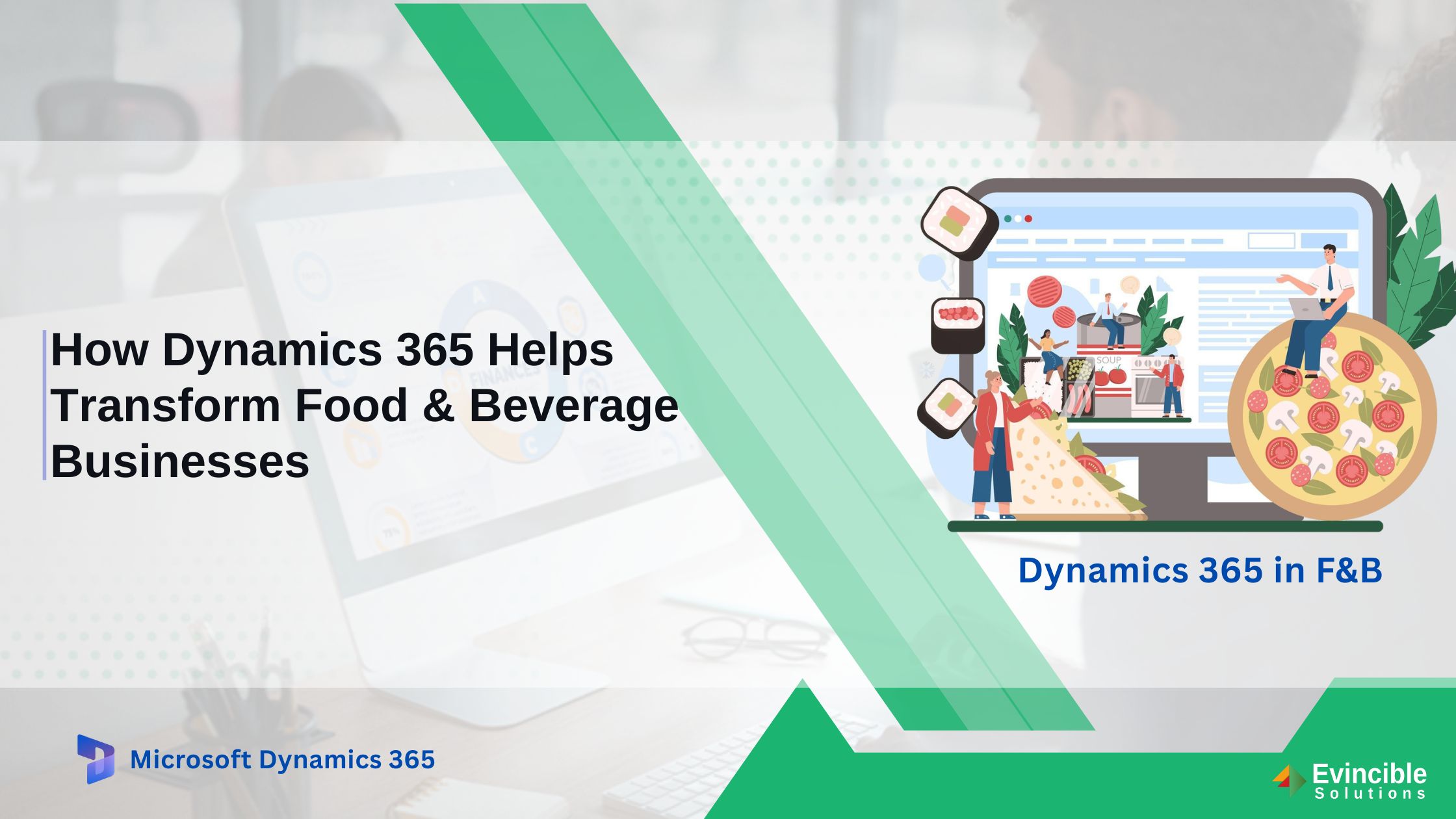

Running a food and beverage business means managing perishable inventory, volatile ingredient costs, strict regulatory requirements, and a supply chain that can shift without warning. One disruption — a delayed
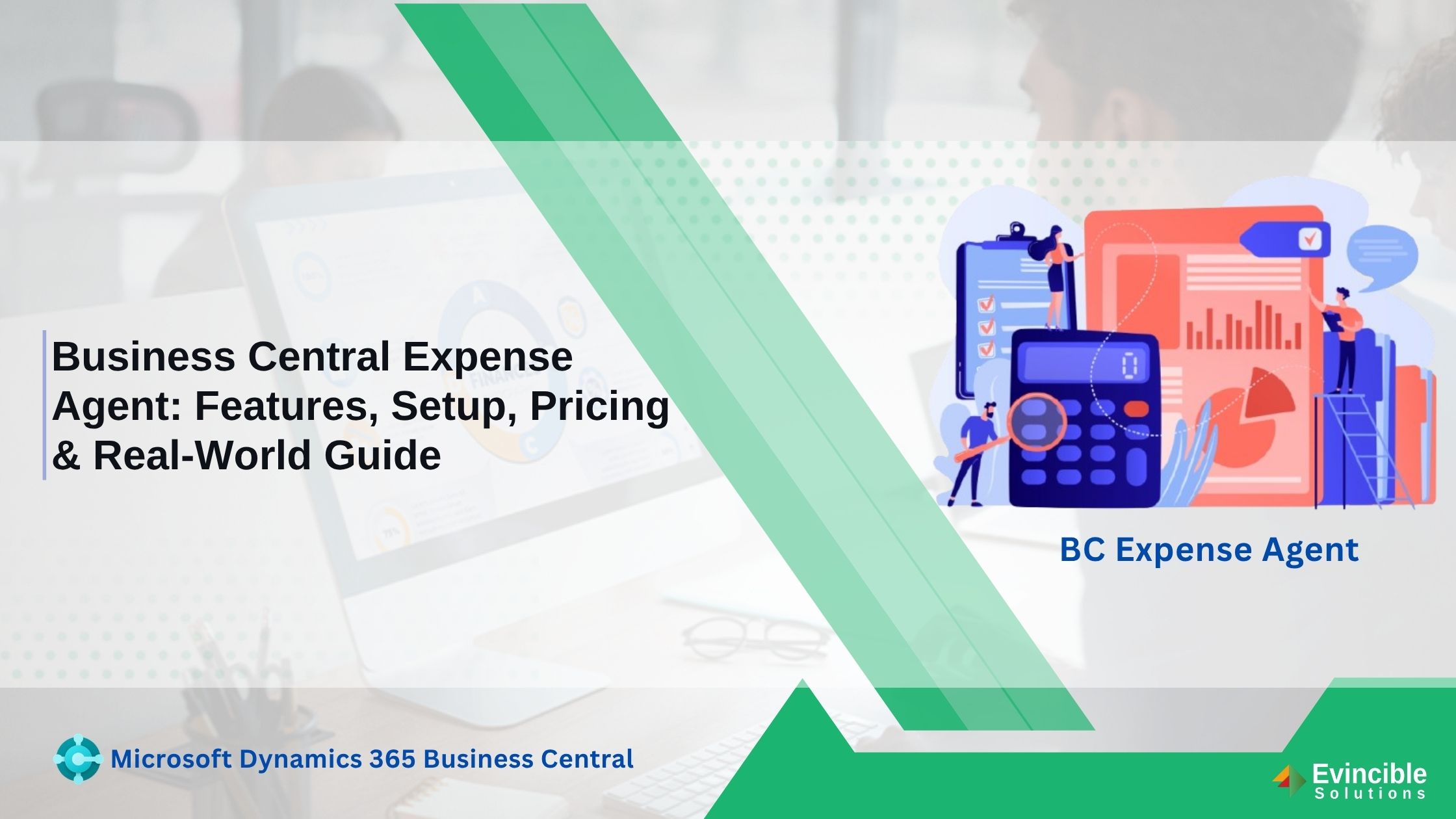
Managing employee expenses sounds simple until a company starts processing hundreds or thousands of receipts every month. Employees need to submit receipts, finance teams need to enter and categorize expenses, managers need
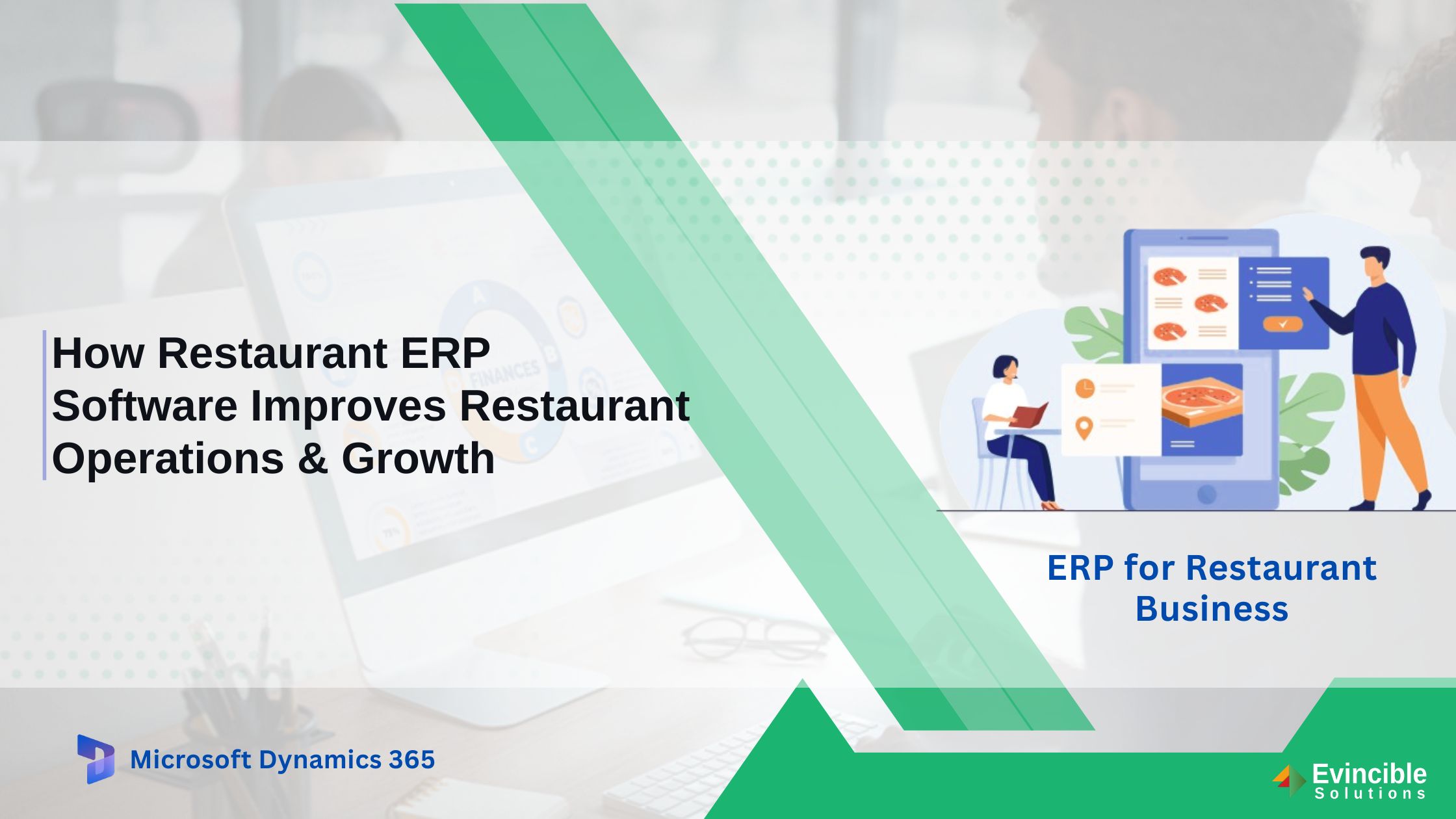
Running a restaurant today means juggling tighter margins, rising food costs, and operations that span the kitchen, the front counter, and every delivery app you’re plugged into. For many restaurant
Common Questions
The core experience — communities, conversations, and Storyline — is included in most Microsoft 365 enterprise, frontline, and Business Premium plans at no extra cost. Premium features like Leadership Corner, Campaigns, and AMAs sit in an add-on or the full Viva Suite.
It’s the evolution of Yammer rather than a simple rename. Existing communities and content carry over, and the underlying network stays familiar — but Storyline, Leadership Corner, AMAs, and Copilot-assisted Answers are genuinely new capabilities layered on top.
Communities can be public, private, or moderated, with permissions inherited from your existing Microsoft Entra ID structure. Admins get dedicated controls for community creation, content moderation, and reporting — this is part of what we configure during rollout.
Yes — one-click catch-up summaries, trending-topic surfacing, and contextual search inside Viva Engage require a Microsoft 365 Copilot license for the people using them. Everyone else still gets the full community and Storyline experience without it.
Most organizations move from assessment to a supported launch in six to ten weeks, depending on how many legacy Yammer communities need migrating and how many departments launch in the first wave.
Yes — Viva Engage is fully supported on the Teams mobile app, which is where most of our frontline rollouts happen. Shift-based teams typically join through mobile-first onboarding rather than a desktop walkthrough.
They carry forward automatically for most tenants — members, posts, and history included. We audit them first so inactive or duplicate groups don’t get carried into the new structure by default.
